

GreekHub
Your life in Greece, simplified.
Install it once and open your jobs, housing, travel and community tools like a native app—without searching for a browser tab.
Web appiPhone & AndroidFree
GreekHub Build 2026.340 · Web app
GreekHub, always on your home screen.
Install it once and open your jobs, housing, travel and community tools like a native app—without searching for a browser tab.
Works on Android and iPhone
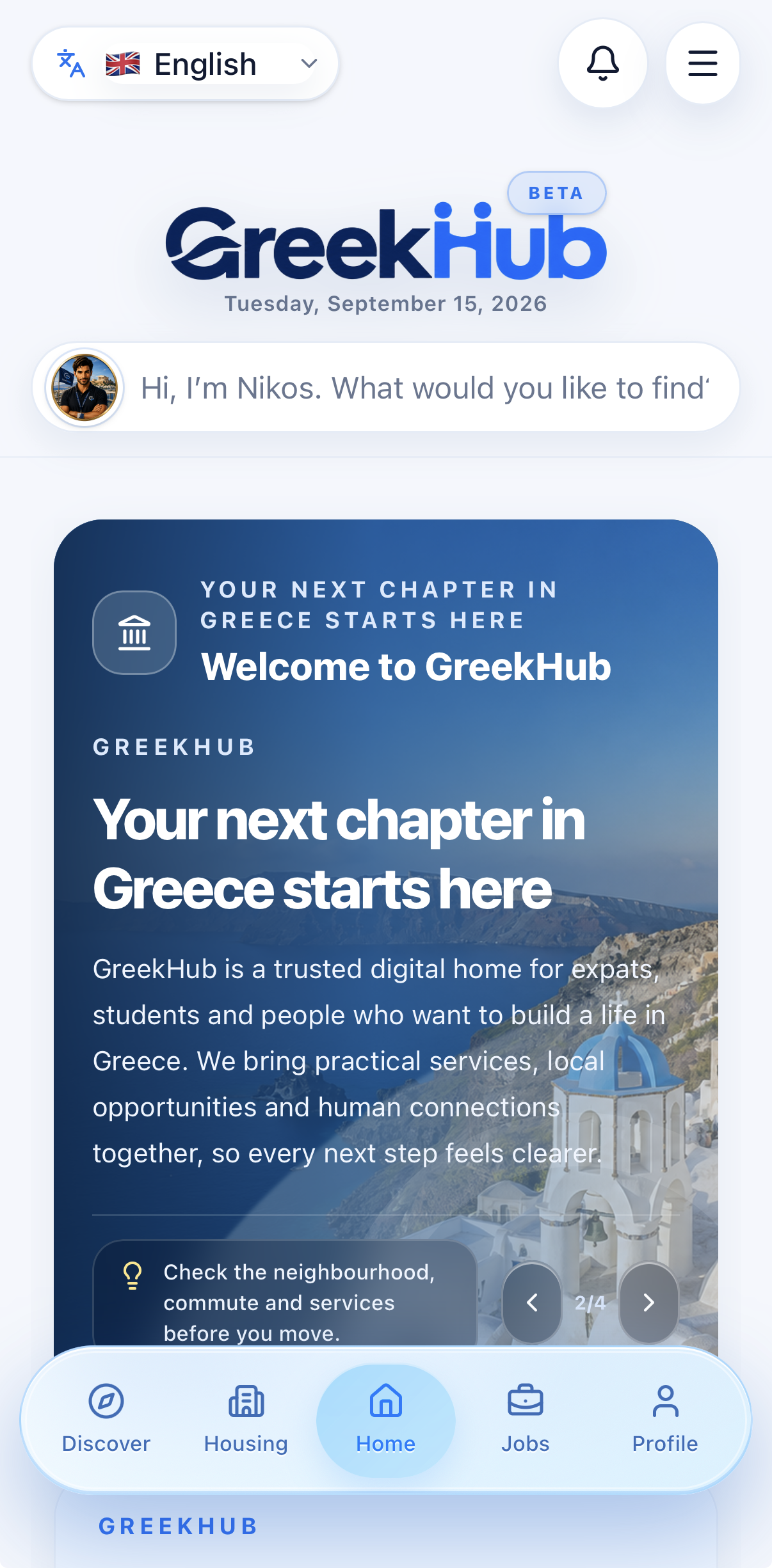
GreekHub · iPhone preview
Google Chrome
Android
- 1Open GreekHub in Chrome on your Android phone or tablet.
- 2Tap the three-dot menu in the top-right corner.
- 3Choose “Install app” or “Add to Home screen”.
- 4Confirm Install. GreekHub will appear with your other apps.
If you do not see the install option, update Chrome and open the site directly instead of inside another app.
Safari
iPhone & iPad
- 1Open GreekHub in Safari. Installation is not available from Chrome on iPhone or iPad.
- 2Tap the Share button in Safari’s toolbar.
- 3Scroll down and choose “Add to Home Screen”.
- 4Keep the name GreekHub, then tap Add. The icon will appear on your home screen.
For the best experience, use the installed icon instead of a browser bookmark.
After installation
Sign in once, allow notifications if you want updates, and use the GreekHub icon whenever you need jobs, housing, local services, travel and community.